
Best SEO Tools for Agencies: Free and Paid Options Compared
 Published:
September 14th, 2026
Published:
September 14th, 2026

Compare free and paid SEO tools for agencies, including Semrush, Ahrefs, GSC, Surfer SEO, and more, to find the right tools for your workflow.

Sahil Bansal
Founder & CEO
8 min read
- Key Takeaways
- Quick Comparison of the Top SEO Tools for Agencies
- What to Look for in an SEO Tool
- Top SEO Tools for Agencies
- 1. Semrush
- 2. Ahrefs
- 3. Google Search Console
- 4. Surfer SEO
- 5. Screaming Frog
- 6. Google Analytics 4
- 7. Moz Pro
- 8. PageSpeed Insights
- 9. Looker Studio
- 10. Ubersuggest
- 11. SpyFu
- 12. Majestic
- 13. SE Ranking
- 14. AccuRanker
- 15. BrightLocal
- Conclusion
Share This Article
Last updated: September 15, 2026
What makes an SEO tool worth using for an agency?
The right tools can save time, improve campaign performance, and make client reporting easier. But with so many free and paid options available, choosing the right ones can be difficult.
Some tools are great for keyword research. Others focus on technical SEO, competitor analysis, link building, or rank tracking. Free tools can work well for basic needs, while paid platforms often offer deeper data and advanced features.
In this guide, we provide an SEO tools list with free and paid options to help you choose the right tools for your workflow.
Key Takeaways:

Learn what makes an SEO tool useful for agencies and which features matter most.
Understand which SEO tools are best for different tasks, including keyword research, technical audits, backlinks, content optimization, and rank tracking.
Find out which free SEO tools can handle basic agency needs without adding extra costs.
Compare paid SEO platforms and their key advantages to decide when an upgrade is worth it.
See how different tools fit into an agency’s workflow and support multiple client campaigns.
Quick Comparison of the Top SEO Tools for Agencies
| S.No. | SEO Tool | Core Purpose | Standout Feature | Best For | Key Agency Use | Pricing |
|---|---|---|---|---|---|---|
| 1 | Semrush | All-in-one SEO | Competitor & keyword research | Full-service SEO | Complete campaign management | From $139/mo |
| 2 | Ahrefs | SEO & backlink research | Backlink database | Organic growth & link research | Competitor and backlink analysis | From $29/mo |
| 3 | Google Search Console | Search performance | First-party Google data | Search performance monitoring | Rankings, indexing & traffic insights | Free |
| 4 | Surfer SEO | Content optimization | SERP-based recommendations | Content-focused SEO | Content briefs and optimization | Paid plans |
| 5 | Screaming Frog | Technical SEO | Website crawling | Technical audits | Site audits and migrations | Free / £259/yr |
| 6 | Google Analytics 4 | Website analytics | Traffic & conversion tracking | SEO performance measurement | Traffic, engagement & conversion analysis | Free |
| 7 | Moz Pro | All-in-one SEO | Easy-to-use SEO tools | SEO campaign management | Keywords, rankings and site audits | From $49/mo |
| 8 | PageSpeed Insights | Website performance | Core Web Vitals | Page speed optimization | Performance and speed audits | Free |
| 9 | Looker Studio | Data visualization | Custom dashboards | Data visualization | SEO and marketing data dashboards | Free |
| 10 | Ubersuggest | SEO research | Affordable keyword research | Basic SEO research | Keywords and competitor analysis | Paid plans |
| 11 | SpyFu | Competitor research | SEO & PPC data | Competitive analysis | Keyword and PPC research | From $39/mo |
| 12 | Majestic | Backlink analysis | Link intelligence | Link-building | Backlink and referring-domain research | From $49.99/mo |
| 13 | SE Ranking | All-in-one SEO | Agency management | Multi-client SEO | Rankings, audits, backlinks and reporting | Paid plans |
| 14 | AccuRanker | Rank tracking | Frequent ranking updates | Rank monitoring | Keyword and local rank tracking | Usage-based |
| 15 | BrightLocal | Local SEO | Local Search Grid | Local SEO | Local rankings, citations and reviews | Paid plans |
What to Look for in an SEO Tool
When choosing an SEO tool, look for features that make your daily work easier and help you improve results.
➢ Keyword Research: Find search volume, keyword difficulty, long-tail keywords, and search intent.
➢ Site Audit: Identify broken links, slow pages, duplicate content, missing meta tags, and other technical issues.
➢ Backlink Analysis: Check your backlink profile, find potentially harmful links, and monitor link-building efforts.
➢ Rank Tracking: Track keyword rankings with regular updates, including local and mobile rankings.
➢ Content Optimization: Get useful suggestions to improve your content and increase its chances of ranking.
Top SEO Tools for Agencies
1. Semrush
Website: semrush.com
About:
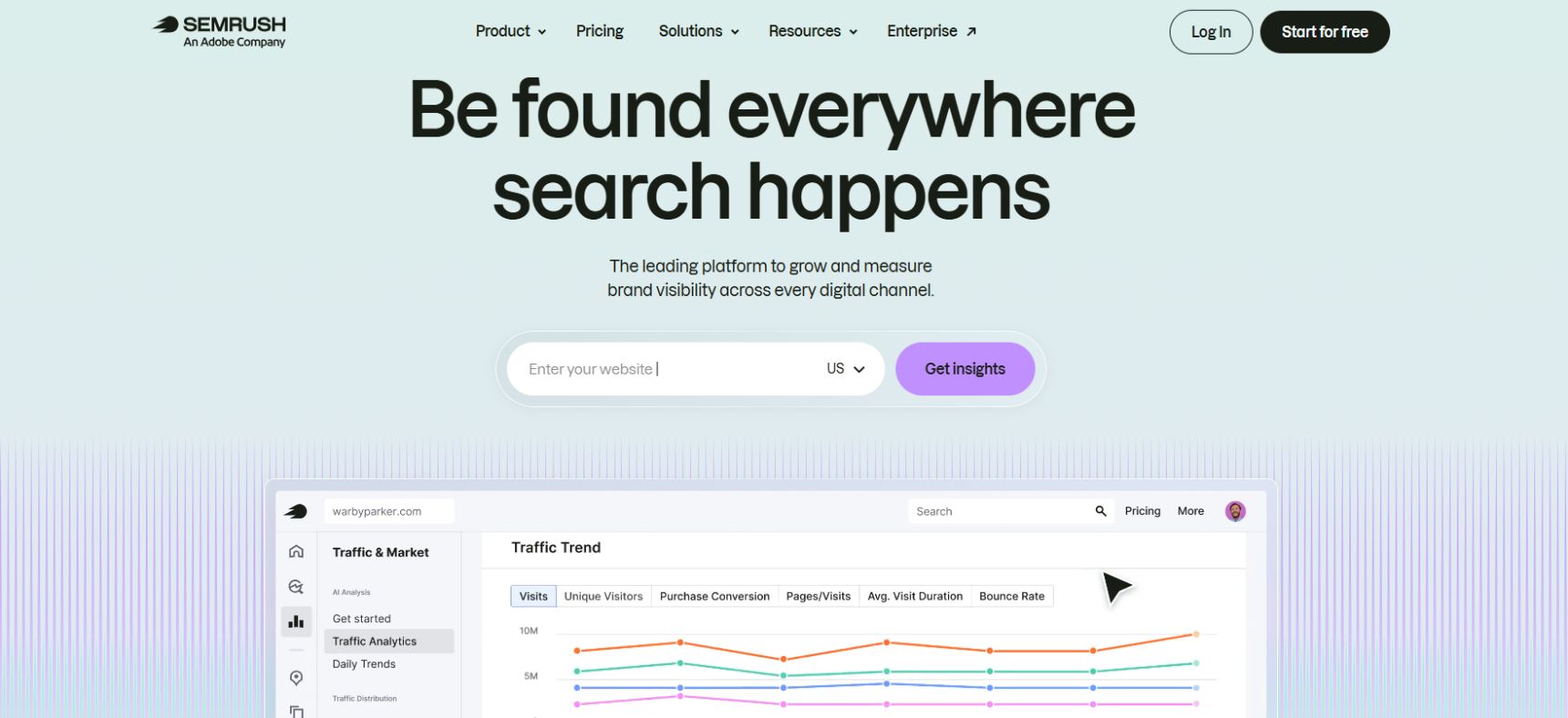
Semrush is an all-in-one SEO and digital marketing platform that agencies can use for keyword research, competitor analysis, technical SEO, backlink analysis, rank tracking, content optimization, and reporting. It also includes tools for tracking visibility across AI search platforms.
Key Features:
- Keyword Research: Find keyword ideas, search volume, keyword difficulty, search intent, and competitor keyword opportunities. Its Keyword Magic Tool provides access to a database of more than 28 billion keywords.
- Site Audit: Crawl websites to identify technical SEO problems such as broken links, crawlability issues, slow pages, and schema-related issues.
- Competitor Analysis: Analyze competitors’ organic rankings, traffic sources, keywords, backlinks, and visibility to identify opportunities.
- Backlink Analysis: Review backlinks, compare link profiles with competitors, and identify potential link-building opportunities.
- Rank Tracking: Monitor keyword rankings across locations and devices with daily updates.
- Content Optimization: Find content opportunities, create SEO briefs, and optimize existing content for better search performance.
- SEO Reporting: Create branded reports and schedule them for clients. Higher-level reporting options also support white-labeling and AI-generated summaries.
- AI Visibility: Track how brands appear in AI-generated answers across platforms such as ChatGPT, Gemini, Perplexity, and Google AI experiences.
- Local SEO: Manage listings, monitor local rankings, track Google Business Profile performance, and monitor reviews.
Best For:
Semrush is best for SEO agencies managing multiple clients and campaigns. Its wide range of tools makes it useful when an agency needs keyword research, competitor analysis, technical audits, rank tracking, content optimization, and reporting in one platform.
It can be particularly useful for agencies that want to scale their SEO processes and provide clients with regular performance reports. Higher plans offer more websites, keywords, historical data, multi-location tracking, API access, and reporting capabilities.
Pricing:
Semrush offers several plans, with pricing depending on the toolkit and billing option. As of September 2026, its SEO + AI search plans include:
- SEO: $139/month, or $117.33/month when billed annually
- Starter: $199/month, or $165.17/month annually
- Pro+: $299/month, or $248.17/month annually
- Advanced: $549/month, or $455.67/month annually
The higher plans increase limits for websites and tracked keywords and add features such as historical data, multi-location tracking, API access, and greater AI visibility capacity. Semrush also offers a free plan with limited access, while enterprise pricing is customized.
For agencies, Starter and Pro+ are worth considering for growing client workloads, while Advanced is better suited to larger teams that need higher limits, automation, and API access.
2. Ahrefs
Website: ahrefs.com
About:
Ahrefs is an all-in-one SEO platform designed for keyword research, competitor analysis, technical SEO, backlink analysis, rank tracking, content research, and AI visibility. Its main tools include Site Explorer, Keywords Explorer, Site Audit, Rank Tracker, and Content Explorer.
Key Features:
- Keyword Research: Use Keywords Explorer to find keyword ideas and analyze search volume, keyword difficulty, search intent, traffic potential, and parent topics. Its database currently covers billions of keywords.
- Competitor Analysis: Site Explorer helps agencies analyze competitors’ organic keywords, top-performing pages, estimated organic traffic, backlinks, and referring domains. Content Gap can also identify keywords competitors rank for that your client does not.
- Site Audit: Identify technical and on-page SEO issues, including broken links, duplicate content, missing tags, indexability problems, redirects, Core Web Vitals, and structured data issues. Ahrefs currently checks more than 170 SEO issues.
- Backlink Analysis: Analyze backlink profiles, referring domains, anchors, broken backlinks, and competitor link opportunities.
- Rank Tracking: Track keyword positions across desktop and mobile in more than 190 countries. Agencies can use this to monitor ranking progress for different clients and locations.
- Content Research: Content Explorer helps identify high-performing content and potential link-building opportunities within a niche.
- Content Optimization: AI Content Helper analyzes content against top-ranking pages and provides suggestions for improving topical coverage and content quality.
- AI Visibility: Brand Radar helps track how brands appear across AI platforms such as ChatGPT, Gemini, Perplexity, Copilot, and Grok.
- Reporting: Report Builder allows teams to organize SEO data into reports for internal use and client reporting.
Best For:
Ahrefs is best for SEO agencies that need strong competitor research, backlink analysis, keyword research, and technical SEO capabilities.
It is particularly useful for agencies managing multiple SEO campaigns because teams can research competitors, identify content gaps, monitor rankings, audit websites, and track backlink opportunities from one platform. Its combination of search, content, technical SEO, and AI visibility tools also makes it suitable for agencies expanding beyond traditional Google SEO.
Pricing:
Ahrefs offers a free account with limited access to several tools. The free account includes features such as Site Explorer for verified websites, Site Audit, Web Analytics, AI Content Helper, and the SEO Toolbar.
For paid users, the current entry-level plans include:
- Starter: $29/month
- Lite: $129/month
- Standard: $249/month
- Advanced: $449/month
- Enterprise: Custom pricing
The Starter plan provides access to Site Explorer, Keywords Explorer, Site Audit, Rank Tracker, and the SEO Toolbar. The Lite plan increases usage limits and allows additional users, making it more suitable for growing SEO workloads.
For agencies, Lite is a good starting point for smaller client portfolios, while Standard or Advanced can make more sense for teams handling larger campaigns and higher data requirements.
3. Google Search Console
Website: search.google.com/search-console
About:
Google Search Console is a free tool from Google that helps agencies understand how websites perform in Google Search. It is especially useful for monitoring organic traffic, keyword performance, indexing, and technical SEO issues.
Key Features:
- Search Performance: Track clicks, impressions, average position, and click-through rate for keywords and pages.
- Keyword Insights: See the actual search queries that bring users to a website.
- Indexing Reports: Check which pages Google has indexed and identify pages that have indexing problems.
- URL Inspection: Check the indexing status of individual URLs and request indexing for new or updated pages.
- Technical SEO: Identify issues related to Core Web Vitals, mobile usability, HTTPS, and structured data.
- Sitemap Submission: Submit XML sitemaps to help Google discover important pages on a website.
- Link Data: Review internal links and some of the external links pointing to a website.
- Manual Actions: Check whether Google has identified issues that could affect a site’s search visibility.
- Performance Comparison: Compare search performance across different dates, queries, pages, countries, and devices.
Best For:
Google Search Console is best for agencies that need reliable first-party data directly from Google. It is particularly useful for checking organic search performance, finding indexing problems, monitoring keyword trends, and identifying pages that are gaining or losing visibility.
It works especially well alongside paid SEO platforms such as Semrush and Ahrefs. While those tools provide broader competitor, backlink, and keyword research data, Search Console provides data directly from Google’s search results.
Pricing:
Free. Google Search Console does not charge for access to its core features, making it an essential SEO tool for agencies of all sizes.
4. Surfer SEO
Website: surferseo.com
About:
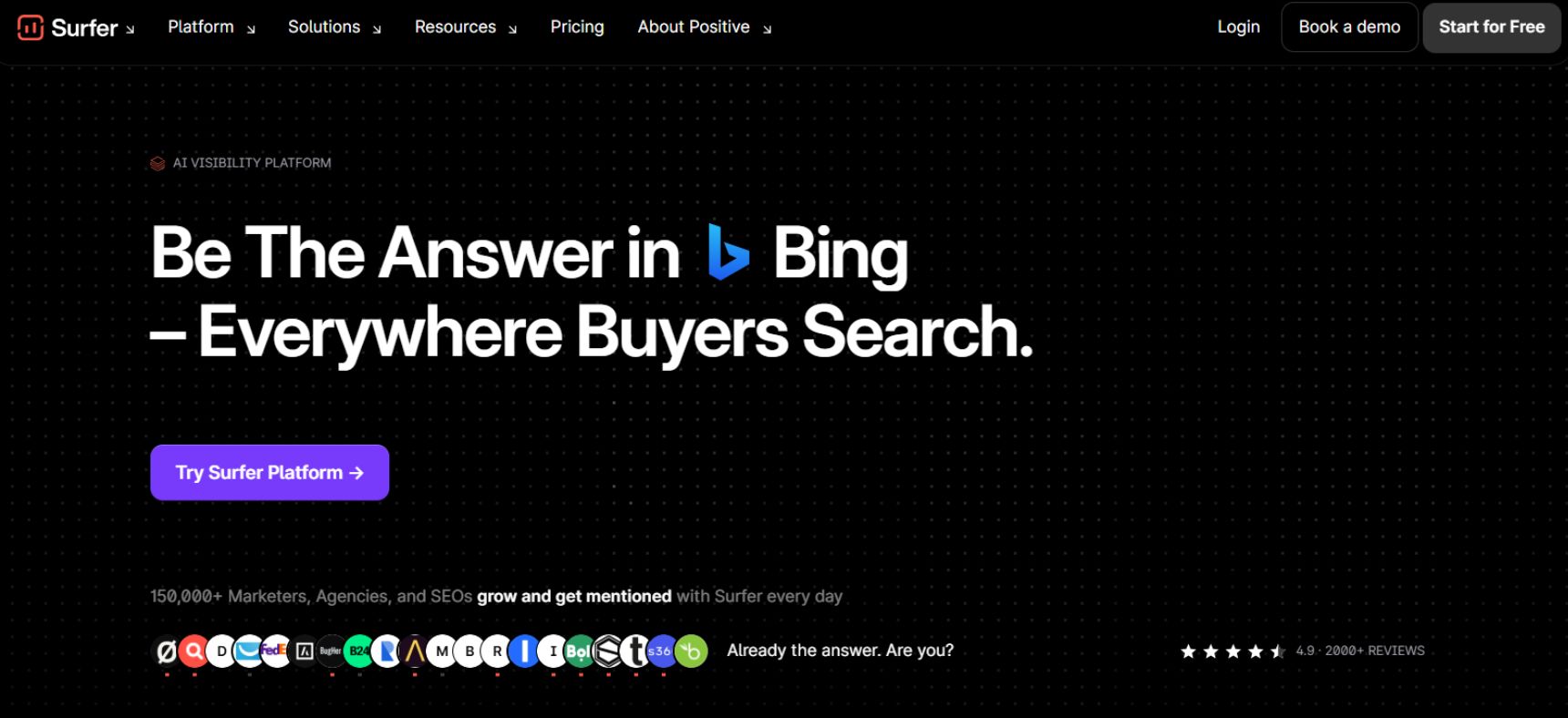
Surfer is an AI-powered content optimization platform designed to help SEO teams create and improve content for search engines. It focuses mainly on content planning, optimization, keyword coverage, and content performance rather than technical SEO or backlink analysis.
Key Features:
- Content Editor: Analyze your content against top-ranking pages and get recommendations for keywords, headings, content length, and topic coverage.
- Content Audit: Review existing pages and identify areas that could be improved for better search visibility.
- Content Planner: Discover related topics and keyword clusters to build a more organized content strategy.
- Keyword Research: Find related keywords and group them into relevant content clusters.
- AI Content Creation: Generate SEO-focused content with AI and optimize it based on search results.
- SERP Analysis: Compare competing pages to understand the content structure and topics covered by ranking websites.
- Content Score: Get a score that shows how closely your content matches the topics and terms found in competing pages.
- Content Optimization: Receive real-time recommendations while writing or updating content.
- Google Docs Integration: Teams can work with Surfer recommendations while creating content in familiar writing workflows.
- Team Collaboration: Useful for agencies that have multiple writers, editors, and SEO specialists working on client content.
Best For:
Surfer SEO is best for SEO agencies focused heavily on content marketing and on-page optimization. It can help agencies create content briefs, optimize existing articles, identify content gaps, and give writers clear SEO recommendations.
It is especially useful when an agency manages a large number of content projects and needs a consistent optimization process across different clients.
However, Surfer SEO is not a complete replacement for tools such as Ahrefs or Semrush. Its strongest use case is content optimization, so agencies may want to combine it with a broader SEO platform for backlink research, technical audits, competitor analysis, and rank tracking.
Pricing:
Surfer offers several paid plans, with pricing varying by billing cycle and plan.
- Essential: Designed for individuals and smaller content teams.
- Scale: Built for growing teams that need higher content optimization limits.
- Enterprise: Designed for larger organizations and agencies with customized requirements.
Surfer also offers a limited free experience, while advanced features and higher usage limits require a paid plan.
For agencies, Scale is generally more suitable for managing multiple content projects, while Enterprise is better for larger teams with high-volume content workflows and custom requirements.
5. Screaming Frog
Website: screamingfrog.co.uk
About:
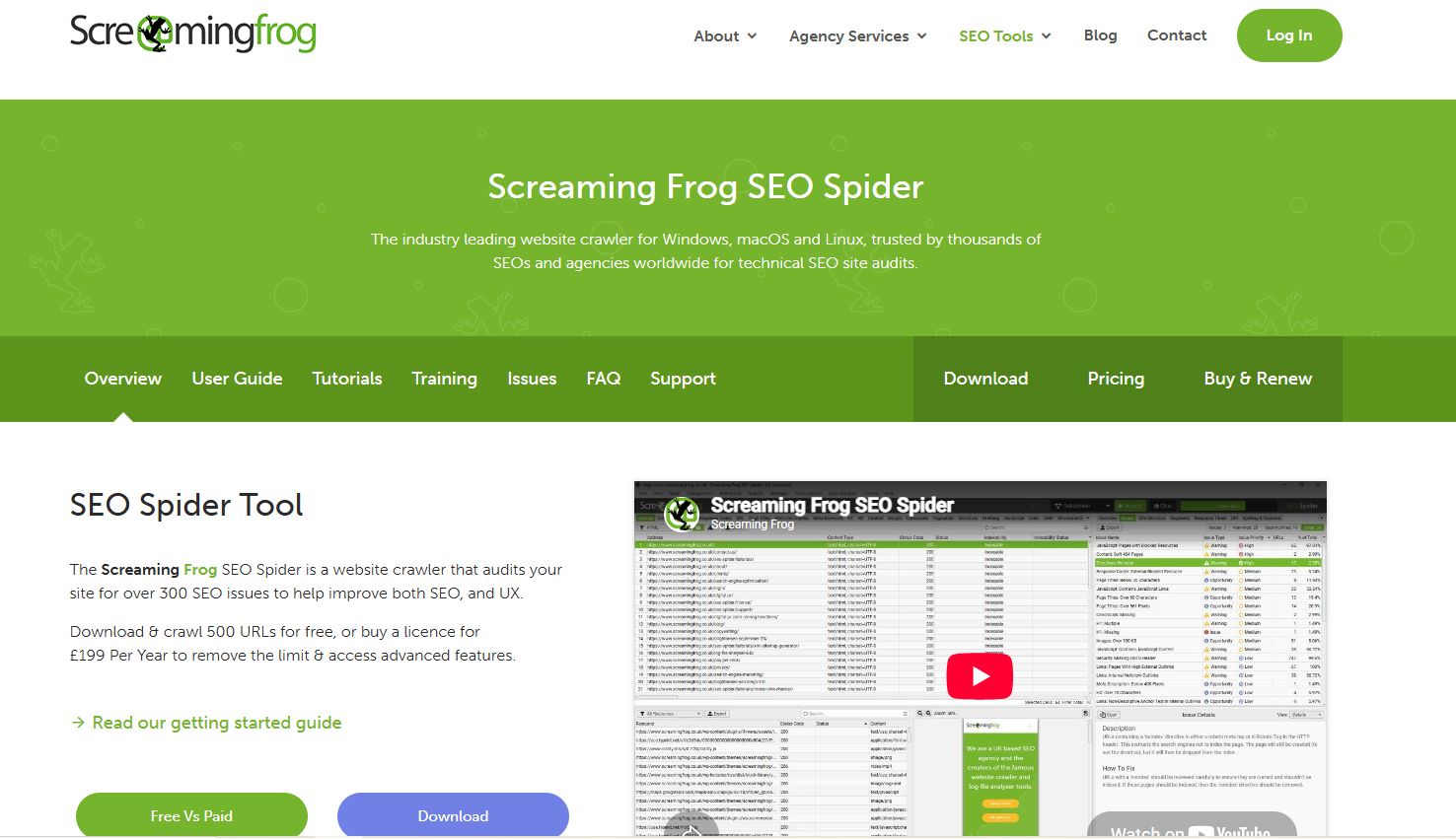
Screaming Frog SEO Spider is a website crawler built for technical SEO analysis. It scans websites in a similar way to search engine crawlers and helps agencies find issues that can affect crawling, indexing, and on-page SEO.
Key Features:
- Website Crawling: Crawl websites to analyze URLs, links, images, JavaScript, and other page elements.
- Broken Link Detection: Find broken internal and external links, including 404 errors.
- Meta Tag Analysis: Identify missing, duplicate, or overly long title tags and meta descriptions.
- Duplicate Content: Find duplicate or near-duplicate pages that may create SEO issues.
- Redirect Analysis: Check redirect chains, redirect loops, and incorrect redirects.
- XML Sitemap Generation: Create XML sitemaps from crawled URLs.
- Robots.txt Analysis: Review robots.txt rules and identify pages that may be blocked from crawling.
- Canonical Checks: Find missing, incorrect, or conflicting canonical tags.
- JavaScript Rendering: Crawl JavaScript-based websites to understand how search engines may access their content.
- Core Web Vitals: Connect with Google’s PageSpeed Insights API to collect performance and Core Web Vitals data.
- Custom Extraction: Extract specific information from pages, which can be useful for large-scale SEO audits and analysis.
- Google Analytics & Search Console Integration: Combine crawl data with traffic and search performance data for deeper analysis.
Best For:
Screaming Frog is best for technical SEO audits and detailed website analysis. It is particularly useful for agencies managing website migrations, large websites, e-commerce sites, and ongoing technical SEO campaigns.
Unlike all-in-one platforms such as Semrush and Ahrefs, Screaming Frog focuses primarily on crawling and technical SEO. This makes it a strong addition to an agency’s SEO toolkit when deeper technical analysis is required.
Pricing:
Screaming Frog offers both free and paid versions:
- Free Version: Allows you to crawl up to 500 URLs per website and includes many core crawling features.
- Paid Version: The SEO Spider license costs £259 per year per user and removes the 500-URL crawl limit while unlocking advanced features.
For agencies, the paid version is more suitable for larger client websites and recurring technical audits, while the free version works well for smaller websites and basic SEO checks.
6. Google Analytics 4
Website: developers.google.com/analytics
About:
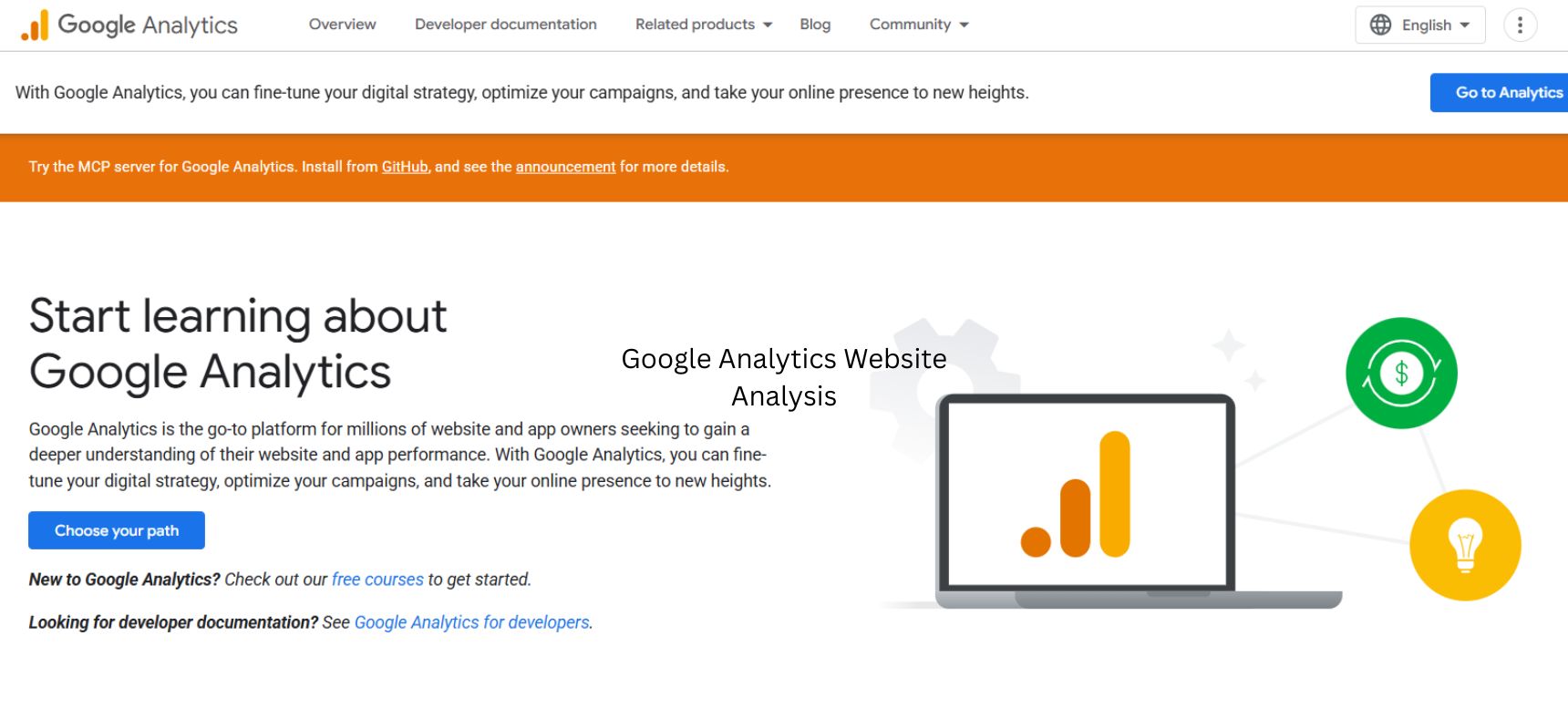
Google Analytics 4 (GA4) is Google’s analytics platform for tracking how users interact with websites and apps. For SEO agencies, it helps connect organic search traffic with user behavior, conversions, and business outcomes.
Key Features:
- Organic Traffic Tracking: See how much traffic comes from organic search and which landing pages attract visitors.
- User Behavior: Understand what users do after arriving on a website, including the pages they view and how they move through the site.
- Conversions: Track important actions such as form submissions, purchases, phone clicks, sign-ups, and other business goals.
- Traffic Acquisition: Compare organic search with other channels to understand where website traffic comes from.
- Landing Page Analysis: Identify which pages bring in organic visitors and how those visitors engage with the website.
- Engagement Metrics: Monitor metrics such as engagement rate, engaged sessions, and average engagement time.
- Audience Analysis: Build audiences based on user behavior, traffic sources, demographics, and other available signals.
- Custom Reports: Create reports and explorations around the metrics that matter most to a client.
- Google Search Console Integration: Connect Search Console with GA4 to bring search performance and website behavior data together.
- E-commerce Tracking: Measure product views, purchases, revenue, and other e-commerce activities.
Best For:
Google Analytics 4 is best for agencies that want to measure the business impact of SEO. While Google Search Console shows how a website performs in Google Search, GA4 helps agencies understand what visitors do after they arrive.
It is particularly useful for tracking conversions and determining whether organic traffic is actually contributing to leads, sales, sign-ups, or other business goals.
For a complete SEO workflow, agencies can use GA4 with Google Search Console, Ahrefs, or Semrush. This combination provides a broader view of search visibility, website performance, user behavior, and conversions.
Pricing:
Free for most businesses and agencies. Google Analytics 4 provides its core analytics features at no cost.
Google also offers Google Analytics 360, a paid enterprise version designed for organizations with larger data volumes, advanced reporting requirements, and additional support.
For most SEO agencies, the free version of GA4 is sufficient for tracking organic traffic, engagement, and conversions across client websites.
7. Moz Pro
Website: moz.com
About:
Seasia Infotech is a technology and digital solutions company founded in 2000, with its India development office in Mohali, Punjab. It has grown into a larger technology company offering software development, AI, web and mobile development, digital commerce, and digital marketing services. The company states that it has 500+ employees, 600+ clients across 20+ countries, and 5 global delivery centers.
Services:
- Digital Marketing & SEO
- Web & Mobile App Development
- Custom Software Development
- AI & Machine Learning
- eCommerce Development
- UI/UX Design
- Digital Commerce Solutions
- Cloud & DevOps
- Software Testing
- CRM & Enterprise Solutions
Industries Served:
Seasia works with businesses across healthcare, finance, eCommerce, real estate, education, hospitality, technology, and other enterprise sectors.
Approach & Process:
- Discovery: Understands the business, users, objectives, and technical requirements.
- Strategy: Defines the appropriate technology, design, and marketing approach.
- Development: Builds and integrates the required digital solution.
- Testing: Reviews functionality, usability, and performance before launch.
- Deployment: Launches the product and supports implementation.
- Optimization: Provides ongoing support, maintenance, and improvements.
8. PageSpeed Insights
Website: pagespeed.web.dev
About:
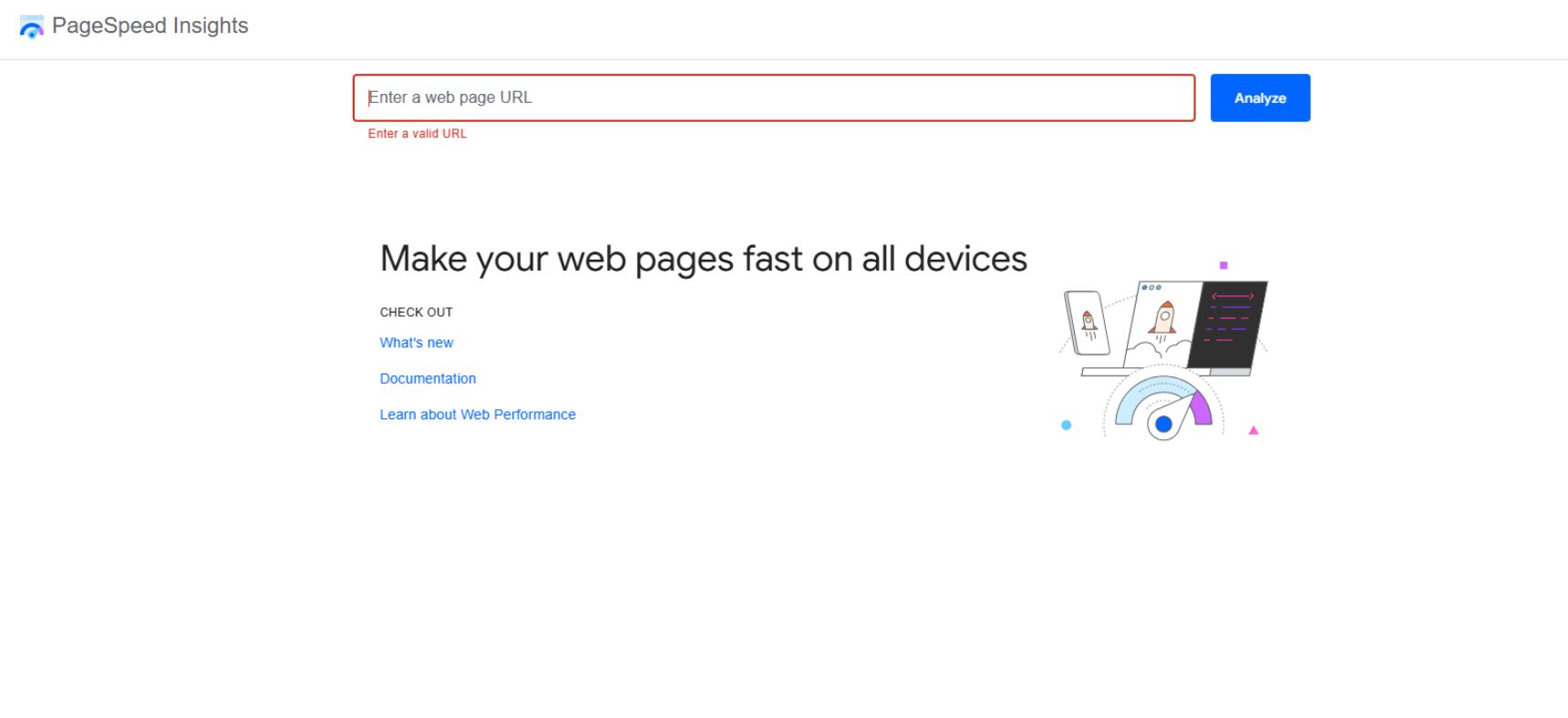
PageSpeed Insights is a free Google tool that helps agencies measure website performance on mobile and desktop. It analyzes page speed, user experience, and Core Web Vitals, making it useful for technical SEO audits and website optimization.
Key Features:
- Performance Score: Provides a performance score based on several page speed and optimization factors.
- Core Web Vitals: Measures key user experience metrics such as LCP, INP, and CLS.
- Mobile and Desktop Testing: Test how a page performs across different device types.
- Field Data: Uses real-user data from the Chrome User Experience Report when available.
- Lab Data: Provides controlled performance data through Lighthouse testing.
- Performance Opportunities: Highlights issues that may be slowing down a page and provides recommendations for improvement.
- Diagnostics: Provides technical details about page performance, including render-blocking resources, unused code, image optimization, and other issues.
- Accessibility and Best Practices: Lighthouse reports also provide insights into accessibility, security, and general web development practices.
- Performance History: Agencies can use repeated tests to compare performance before and after optimization.
Best For:
PageSpeed Insights is best for agencies conducting technical SEO and website performance audits. It is particularly useful for identifying page speed issues and checking whether pages meet Google’s Core Web Vitals standards.
It works well alongside tools such as Screaming Frog, Google Search Console, and Google Analytics 4. While PageSpeed Insights focuses on individual page performance, these other tools provide broader information about crawling, search visibility, traffic, and user behavior.
Pricing:
Free. PageSpeed Insights is available at no cost and does not require a paid subscription.
For most SEO agencies, it is a useful tool for checking page performance, diagnosing speed issues, and providing clients with actionable optimization recommendations.
9. Looker Studio
Website: datastudio.google.com
About:
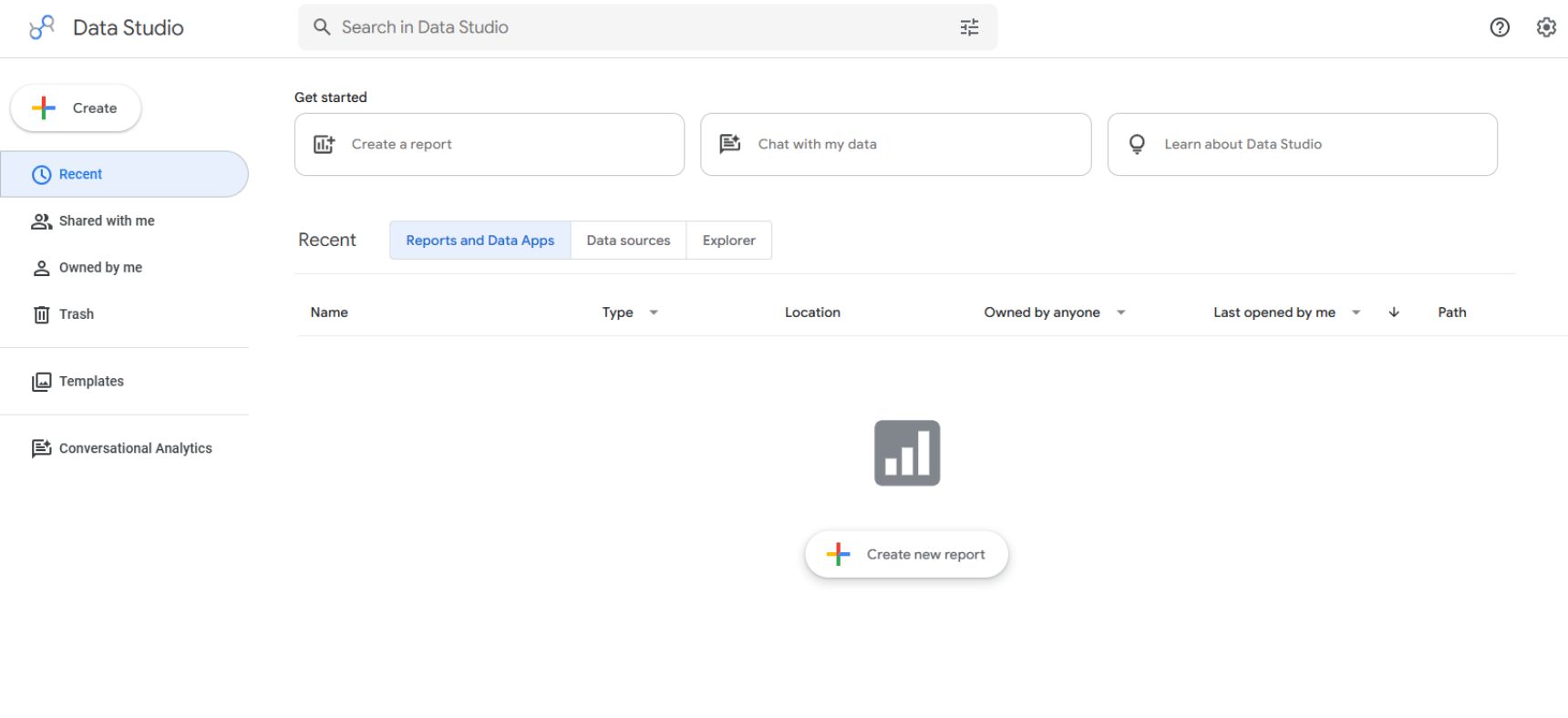
Looker Studio is a reporting and data visualization platform from Google that helps agencies turn SEO and marketing data into easy-to-understand dashboards. It can bring data from multiple sources into one report, making it useful for client reporting.
Key Features:
- SEO Dashboards: Create dashboards to track organic traffic, clicks, impressions, rankings, conversions, and other SEO metrics.
- Multiple Data Sources: Connect data from Google Analytics 4, Google Search Console, Google Ads, Google Sheets, and other platforms.
- Custom Reports: Build reports around the specific KPIs and goals of each client.
- Interactive Dashboards: Allow clients to filter data by date, location, device, landing page, or other dimensions.
- Automated Reporting: Set up reports that update automatically when connected data sources are refreshed.
- Data Visualization: Present SEO performance through charts, tables, scorecards, and graphs instead of raw data.
- Branding: Customize reports with agency logos, colors, layouts, and client-specific branding.
- Report Sharing: Share dashboards with clients and team members without sending separate spreadsheets every month.
- Blended Data: Combine information from different sources to create a more complete view of SEO and marketing performance.
Best For:
Looker Studio is best for SEO and digital marketing agencies that need clear, customizable client reports. It is especially useful when an agency manages multiple clients and wants to bring data from different platforms into a single dashboard.
For example, an agency can combine Google Search Console and GA4 data to show both search performance and what users do after reaching the website.
It is primarily a reporting and visualization tool, rather than an SEO research platform. Agencies will usually use it alongside tools such as Semrush, Ahrefs, Google Search Console, and GA4.
Pricing:
Free for most users. Looker Studio provides its core dashboard and reporting features at no cost.
Google also offers Looker Studio Pro, a paid version with additional features for organizations that need enhanced team collaboration, administration, and enterprise reporting capabilities.
For most SEO agencies, the free version is sufficient for creating and sharing client SEO dashboards.
10. Ubersuggest
Website: neilpatel.com
About:
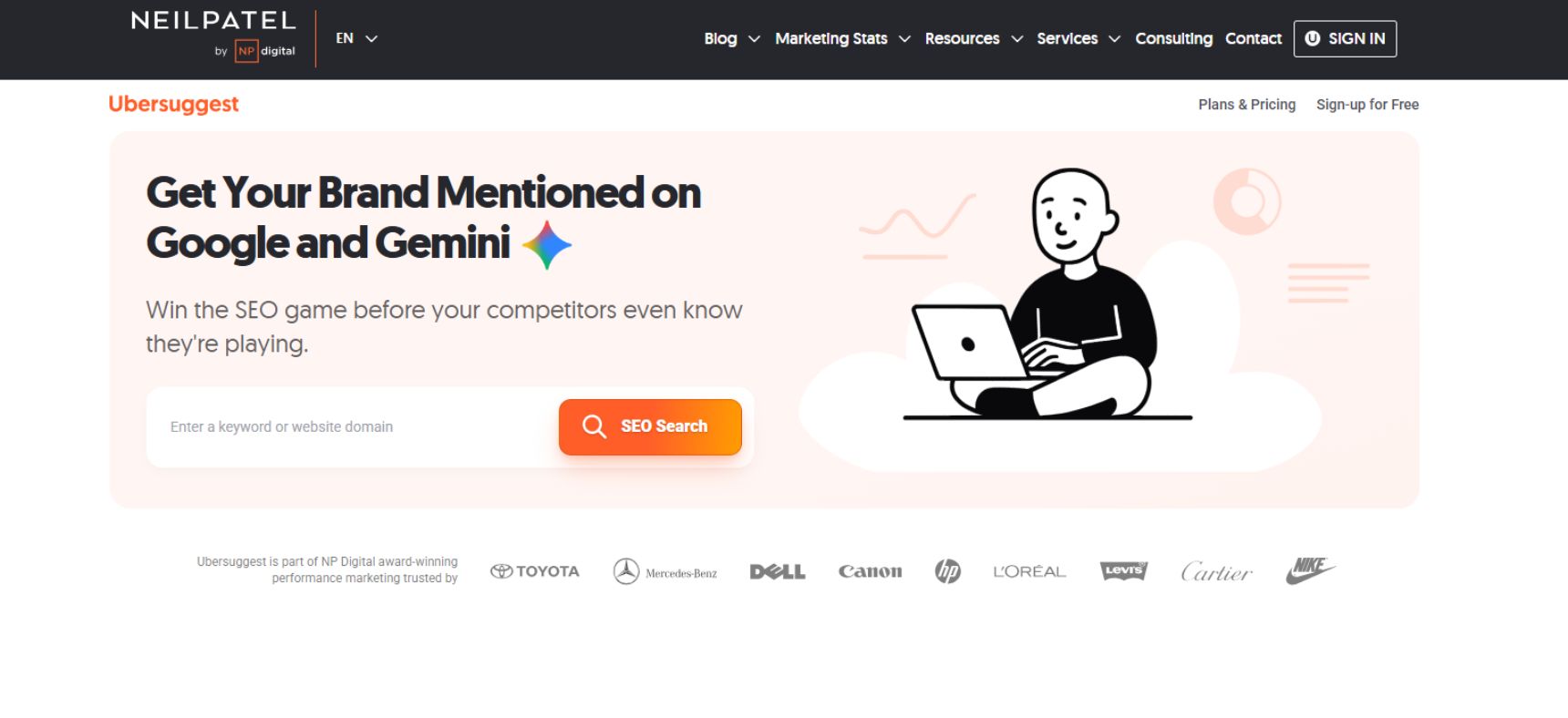
Ubersuggest is an SEO tool developed by Neil Patel that helps agencies with keyword research, competitor analysis, site audits, backlink analysis, and rank tracking. It is a relatively simple option for agencies that need essential SEO data without the complexity of larger platforms.
Key Features:
- Keyword Research: Find keyword ideas, search volume, SEO difficulty, paid difficulty, and estimated traffic.
- Keyword Suggestions: Discover long-tail keywords and related search terms for content planning.
- Competitor Analysis: Analyze competitors’ top keywords, traffic estimates, pages, and SEO opportunities.
- Site Audit: Identify common technical SEO issues such as broken links, missing metadata, duplicate content, and crawl-related problems.
- Backlink Analysis: Review backlinks and referring domains to understand a website’s link profile.
- Rank Tracking: Monitor keyword positions and track changes in search rankings over time.
- Content Ideas: Find popular content around a topic and identify potential content opportunities.
- Traffic Analysis: Get estimates of competitors’ organic traffic and top-performing pages.
- SEO Reports: Generate reports that summarize website performance and SEO issues.
Best For:
Ubersuggest is best for small agencies, freelancers, and teams working with limited SEO budgets. Its straightforward interface makes it relatively easy to use for keyword research, competitor analysis, basic site audits, and rank tracking.
It can also be useful when an agency needs a cost-effective SEO tool for smaller client campaigns. However, agencies handling large websites or advanced SEO campaigns may prefer platforms such as Semrush or Ahrefs because they generally provide deeper datasets and more advanced features.
Pricing:
Ubersuggest offers free access with limited daily searches and usage. Paid plans provide higher limits and additional features.
Its paid options include:
- Individual: Designed for individual users and small SEO projects.
- Business: Intended for growing businesses and agencies managing multiple websites.
- Enterprise: Designed for larger organizations with higher usage requirements.
Ubersuggest also offers lifetime purchase options on selected plans, which can make it an attractive choice for agencies looking to reduce recurring software costs.
For agencies, the business plan is a practical option for managing multiple client websites, while smaller teams can start with the individual plan.
11. SpyFu
Website: spyfu.com
About:
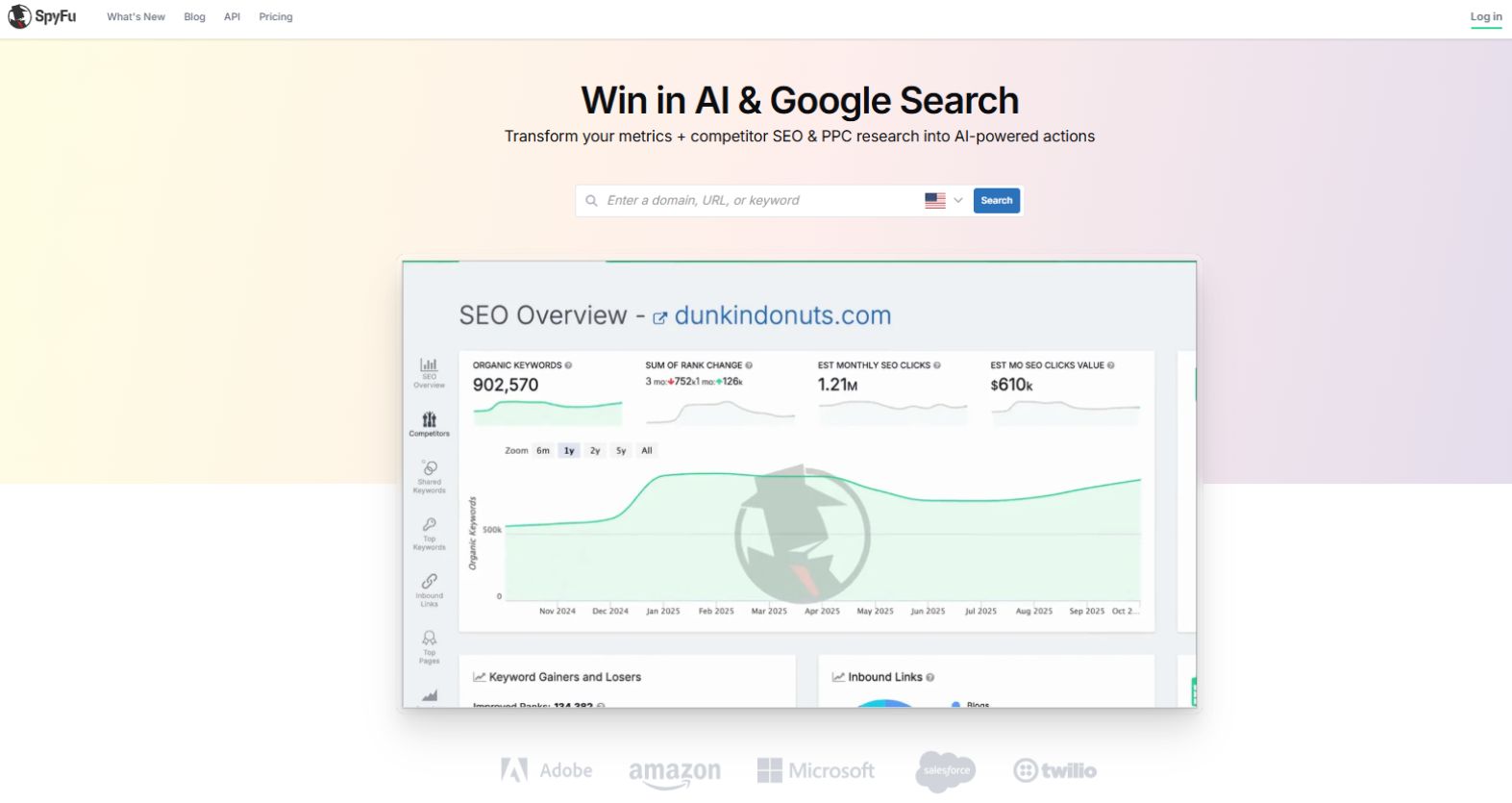
SpyFu is an SEO and competitive intelligence tool that focuses on competitor research, keyword analysis, rank tracking, and PPC research. It can help agencies understand what competitors are ranking for, which keywords they target, and where new search opportunities exist.
Key Features:
- Competitor Keyword Research: See the keywords competitors rank for and identify terms that could be valuable for your clients.
- Competitor Analysis: Research competitors’ organic search performance, top pages, ranking keywords, and estimated traffic.
- Keyword Research: Find related keywords along with metrics such as search volume, difficulty, and estimated clicks.
- Keyword Gap Analysis: Compare your client’s keyword profile with competitors to uncover missed opportunities.
- Backlink Research: Analyze competitor backlinks and discover potential websites for link-building campaigns.
- Rank Tracking: Monitor keyword rankings over time and track SEO progress across campaigns.
- PPC Research: See competitors’ paid keywords, ad history, and advertising activity.
- SERP Analysis: Examine search results and competitor rankings to understand the competitive landscape.
- Domain Comparison: Compare multiple domains to identify shared keywords and areas where competitors have an advantage.
- Reporting: Create reports that summarize SEO and competitive research for clients and internal teams.
Best For:
SpyFu is best for agencies that focus heavily on competitor and keyword research. Its competitive intelligence features can help SEO teams identify keyword gaps, understand competitor strategies, and find opportunities for both organic and paid search.
It is particularly useful for agencies that manage SEO and PPC campaigns together, since SpyFu provides data for both search engine optimization and paid advertising.
However, SpyFu is more specialized in competitive research than tools such as Semrush or Ahrefs. Agencies that need extensive technical SEO auditing or broader SEO workflows may want to use SpyFu alongside another SEO platform.
Pricing:
SpyFu offers several paid plans:
- Basic: Around $39/month
- Professional: Around $79/month
- Team: Around $299/month
Annual billing can provide lower effective monthly pricing, depending on the plan.
For agencies, the Professional plan can be a good choice for managing several SEO projects, while the Team plan is better suited to larger agencies that need higher data limits and additional user access.
12. Majestic
Website: majestic.com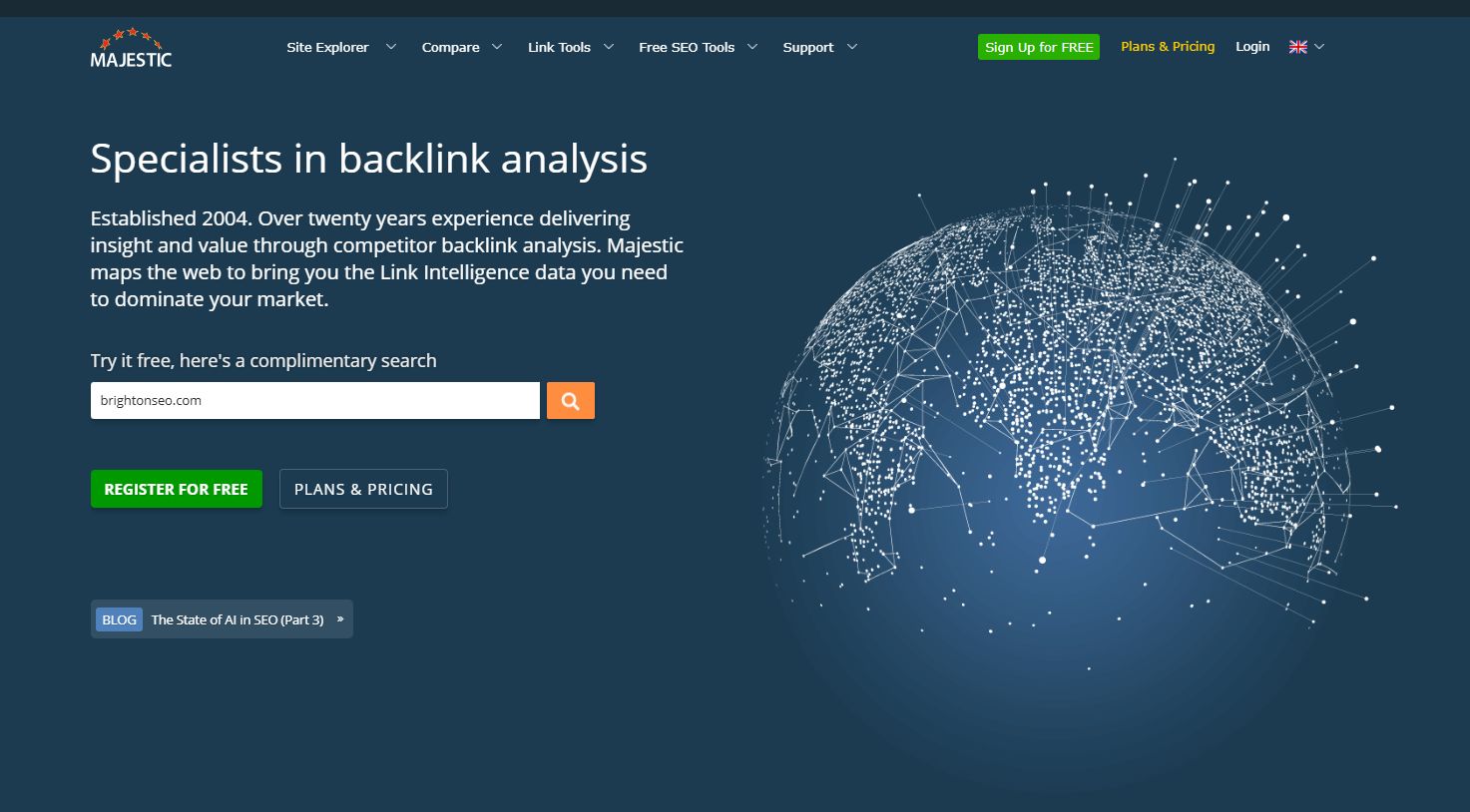
About:
Majestic is an SEO tool best known for its backlink analysis and link intelligence capabilities. Agencies can use it to evaluate a website’s link profile, research competitors, discover link-building opportunities, and assess the strength of referring websites.
Key Features:
- Backlink Analysis: Review the links pointing to a website and analyze referring domains, anchor text, and link history.
- Site Explorer: Get an overview of a domain’s backlink profile, referring domains, top backlinks, and other link metrics.
- Trust Flow: Measure the quality and trustworthiness of links pointing to a website.
- Citation Flow: Estimate the influence or link equity of a website based on its backlink profile.
- Topical Trust Flow: Understand the main topics associated with a website’s backlink profile and evaluate topical relevance.
- Competitor Backlink Research: Compare your client’s link profile with competitors to find potential link-building opportunities.
- Link Context: Examine where links appear on pages and understand more about the surrounding link context.
- Historical Index: Analyze backlink data over time to understand how a website’s link profile has developed.
- Link Tracking: Monitor backlinks and identify changes in a website’s link profile.
- Bulk Backlink Analysis: Analyze multiple domains or URLs, which can be useful for agency-level research.
Best For:
Majestic is best for SEO agencies that focus heavily on link building and backlink analysis. Its specialized link data makes it useful for evaluating competitors, finding relevant referring domains, and understanding the quality and authority of a website’s backlink profile.
It is particularly valuable when backlink research is a major part of an agency’s SEO strategy. However, Majestic is more focused on link intelligence than all-in-one SEO platforms such as Semrush or Ahrefs. Agencies may therefore use it alongside other tools for keyword research, technical SEO, and content optimization.
Pricing:
Majestic offers several subscription options, with pricing based on the amount of backlink data and analysis available.
- Lite: Around $49.99/month
- Pro: Around $99.99/month
- API: Plans are available for businesses that need programmatic access to Majestic’s data.
Annual subscriptions may offer savings compared with monthly billing.
For agencies, the Pro plan is generally more suitable when teams need larger backlink datasets and more advanced link analysis. Smaller teams can start with Lite for basic backlink research and monitoring.
13. SE Ranking
Website: seranking.com
About:
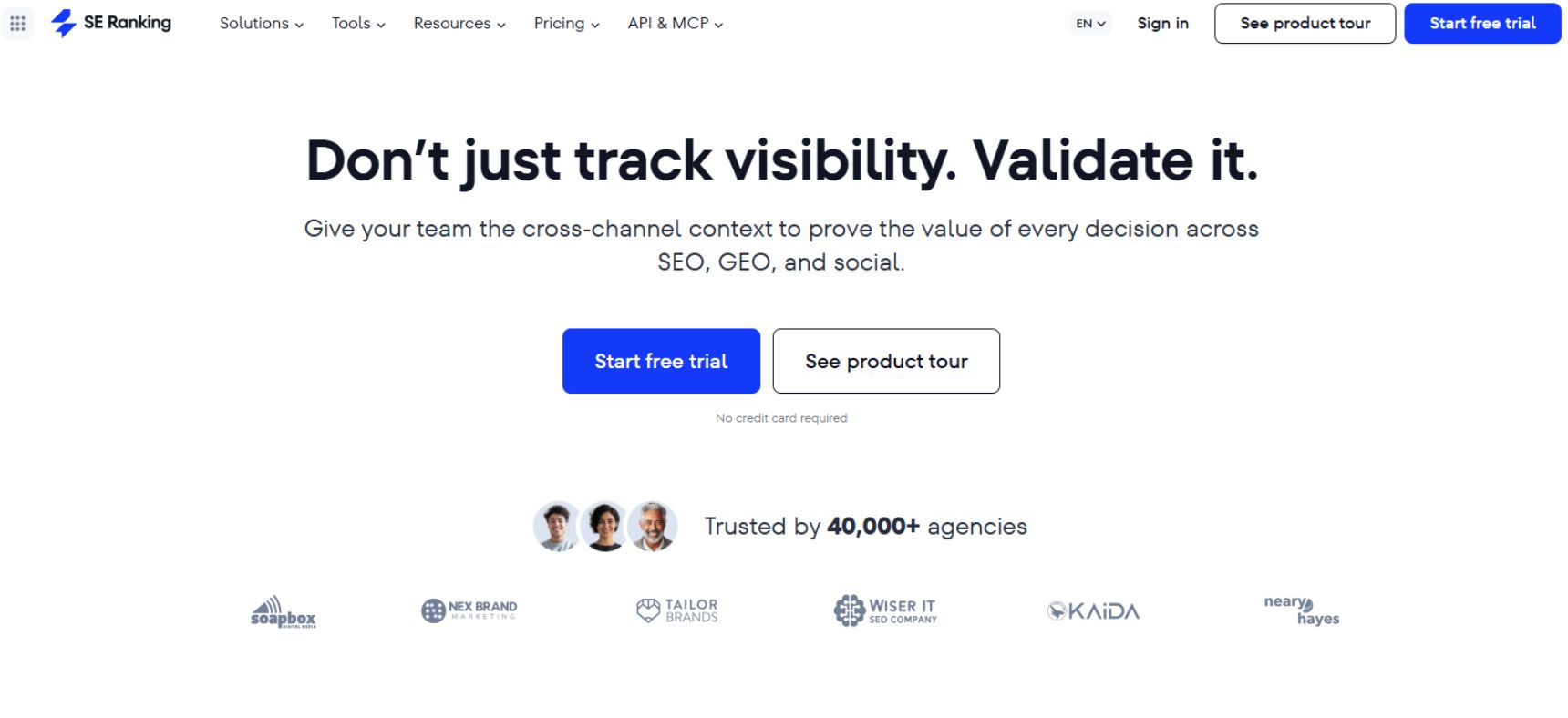
SE Ranking is an all-in-one SEO platform designed with agencies and SEO professionals in mind. It combines rank tracking, keyword research, competitor analysis, website audits, backlink analysis, content optimization, and client reporting in one platform.
Key Features:
- Rank Tracking: Track keyword positions across search engines, locations, languages, and devices. Agencies can monitor rankings for multiple client projects.
- Keyword Research: Discover keyword ideas and review search volume, difficulty, search intent, and related terms.
- Competitor Analysis: Research competitors’ keywords, rankings, traffic estimates, and search visibility to identify new opportunities.
- Website Audit: Find technical SEO problems such as broken links, duplicate content, missing metadata, indexing issues, and other website errors.
- Backlink Checker: Analyze backlinks, referring domains, anchor text, and link quality.
- Backlink Monitoring: Keep track of new and lost backlinks and monitor changes in a client’s link profile.
- Content Editor: Create SEO content briefs and optimize content based on search results and relevant keywords.
- Local SEO: Track local rankings, manage Google Business Profile data, and monitor local search performance.
- White-Label Reporting: Create branded SEO reports and dashboards that agencies can share with clients.
- Lead Generator: Help agencies identify potential SEO clients by offering website audits and SEO checks.
- Agency Management: Manage multiple projects, clients, users, and SEO campaigns from a centralized platform.
- AI Search Insights: SE Ranking also provides tools for monitoring brand visibility across AI-powered search and generative results.
Best For:
SE Ranking is best for SEO agencies that want an all-in-one platform with strong agency and reporting features. It is particularly useful for teams managing multiple clients because it combines rank tracking, audits, competitor research, backlink monitoring, local SEO, and reporting.
Its white-label capabilities are another advantage for agencies that want to provide clients with branded dashboards and reports.
SE Ranking can be a good alternative to larger platforms such as Semrush and Ahrefs for agencies looking for a broader set of SEO features at a potentially lower cost.
Pricing:
SE Ranking uses a tiered pricing model, with costs depending on the plan, billing period, and usage requirements.
Its main plans include:
- Essential: Designed for individuals and smaller SEO projects.
- Pro: Built for growing businesses and agencies managing multiple projects.
- Business: Designed for agencies and larger teams with higher data and project limits.
SE Ranking also offers a free trial, allowing users to test the platform before choosing a paid plan.
For agencies, the Pro plan is a strong starting point for managing multiple client campaigns, while Business is better suited to larger teams with higher limits and more advanced agency requirements.
14. AccuRanker
Website: accuranker.com
About:
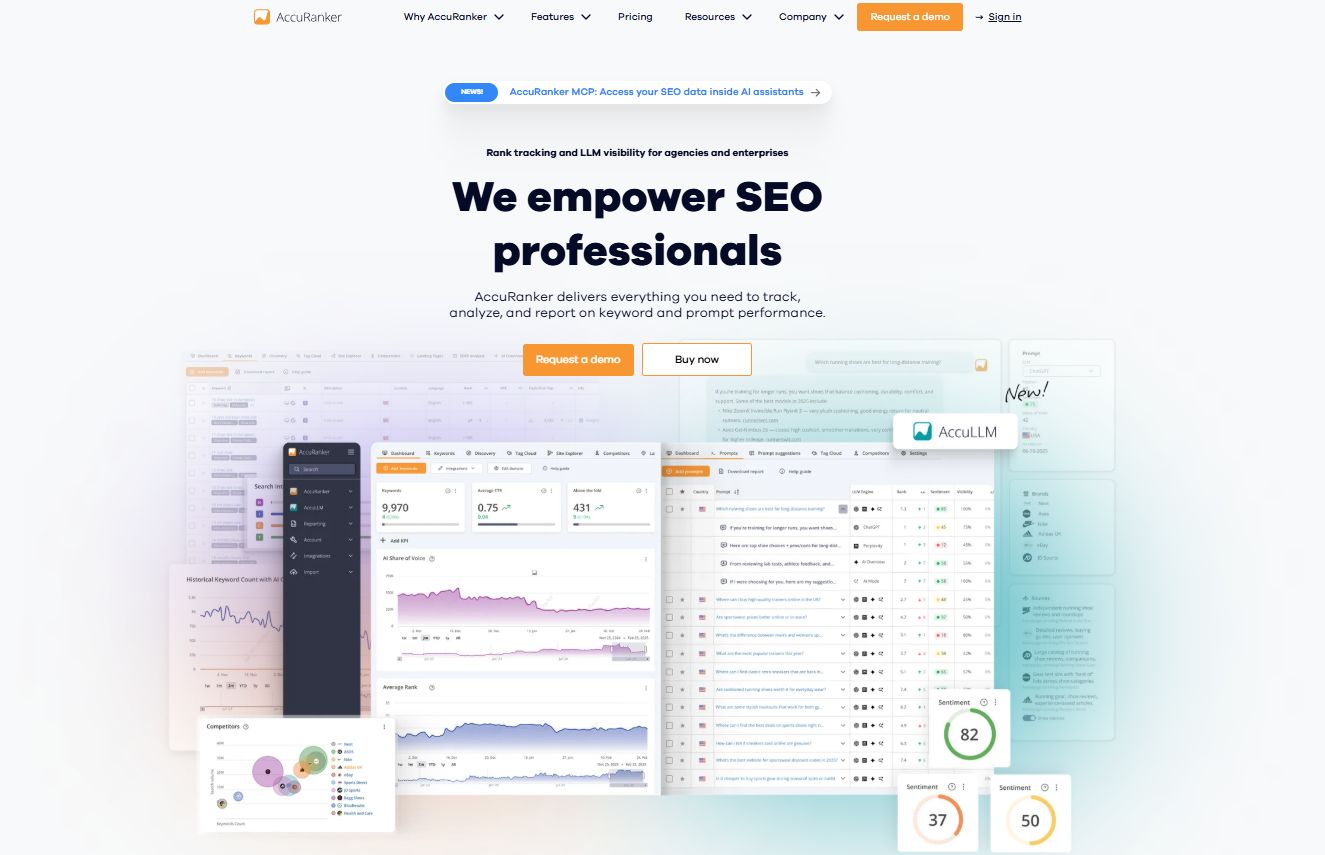
AccuRanker is a specialized rank-tracking platform designed for SEO professionals and agencies. It focuses on accurate keyword position tracking, competitor monitoring, SERP analysis, and reporting rather than trying to provide every SEO feature in one platform.
Key Features:
- Keyword Rank Tracking: Track keyword positions across Google and other search engines with frequent ranking updates.
- Desktop & Mobile Tracking: Monitor rankings separately for desktop and mobile searches.
- Local Rank Tracking: Track rankings for specific cities, locations, and countries, making it useful for local SEO campaigns.
- SERP Features: Monitor SERP elements such as featured snippets, People Also Ask, local packs, and other search features.
- Competitor Tracking: Compare your clients’ rankings with competitors and identify changes in search visibility.
- Keyword Segmentation: Organize keywords using tags, groups, and filters to make large campaigns easier to manage.
- Google Analytics & Search Console Integration: Combine ranking data with traffic and search performance information.
- Share of Voice: Measure how much visibility a website receives compared with competitors across tracked keywords.
- On-Demand Updates: Refresh ranking data when you need the latest position information instead of waiting for the next scheduled update.
- Reporting: Create customizable reports and dashboards that agencies can use for client reporting.
- Data Export & API: Export ranking data or connect AccuRanker with other platforms for more advanced reporting workflows.
Best For:
AccuRanker is best for SEO agencies that need reliable and detailed rank tracking across multiple clients.
It is especially useful for agencies managing local SEO, enterprise SEO, and large keyword sets, where frequent ranking updates and location-specific data are important.
Unlike Semrush or Ahrefs, AccuRanker is not intended to replace a complete SEO toolkit. Its strength is rank tracking and SERP monitoring, so agencies may pair it with tools such as Ahrefs, Semrush, Screaming Frog, and Google Search Console.
Pricing:
AccuRanker uses a usage-based pricing model, with the cost depending mainly on the number of keywords you want to track.
The platform offers plans for different keyword volumes, and larger keyword allowances are available for agencies managing multiple clients. Pricing can also vary depending on monthly or annual billing.
For agencies, AccuRanker is most suitable when rank tracking is a major part of the SEO workflow and the team needs frequent, location-specific ranking data.
15. BrightLocal
Website: brightlocal.com
About:
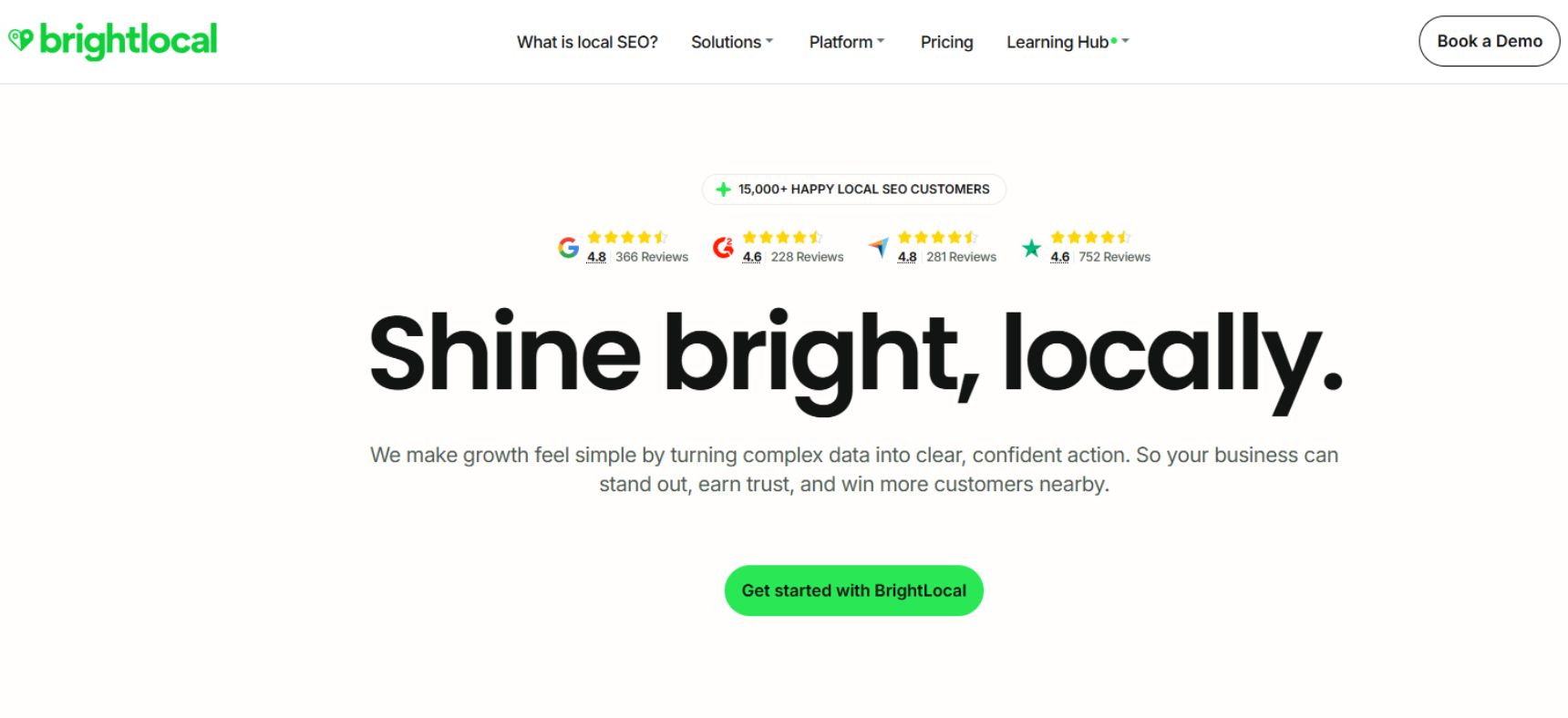
BrightLocal is a local SEO platform designed to help agencies improve and monitor their clients’ visibility in local search. It brings together local rank tracking, citation management, reputation monitoring, and SEO reporting in one platform.
Key Features:
- Local Rank Tracking: Track keyword rankings across specific cities, ZIP codes, and search locations.
- Local Search Grid: See how a business ranks across different locations and identify areas where local visibility is weak.
- Citation Builder: Create and manage business listings across relevant online directories and platforms.
- Citation Tracker: Find existing citations and identify incorrect, incomplete, or inconsistent business information.
- Google Business Profile Audit: Review Google Business Profile performance and identify areas that may need improvement.
- Review Management: Monitor customer reviews from multiple platforms and track changes in online reputation.
- Reputation Management: Help clients monitor and improve their online reputation through review tracking and reporting.
- Local SEO Audit: Analyze important local SEO factors, including citations, reviews, Google Business Profile information, and local rankings.
- Competitor Analysis: Compare a client’s local search performance with competing businesses.
- White-Label Reporting: Create branded reports that agencies can customize and share directly with clients.
- Agency Dashboard: Manage multiple client locations and campaigns from one centralized account.
Best For:
BrightLocal is best for SEO agencies focused on local SEO. It is useful for tracking local rankings, managing citations, monitoring reviews, and improving Google Business Profile visibility.
It works particularly well for agencies managing multiple local business clients and locations.
Pricing:
BrightLocal offers several paid plans based on the number of locations, features, and reporting requirements.
- Track: Designed for agencies that mainly need local rank tracking and reporting.
- Manage: Adds tools for citation management and local SEO campaign management.
- Grow: Includes more advanced features for agencies managing larger local SEO campaigns.
BrightLocal also offers a free trial, allowing agencies to test its local SEO tools before choosing a plan.
For agencies, Track can be a good starting point for local rank monitoring, while Manage or Grow is better suited to teams handling multiple locations and more comprehensive local SEO campaigns.
Conclusion
Choosing the best SEO software for an agency depends on what you need to achieve. We reviewed these tools based on their features, usability, pricing, and how well they support different SEO workflows.
From our experience, tools like Semrush and Ahrefs are strong choices for comprehensive SEO research, while Screaming Frog works well for technical audits and Surfer SEO is useful for content optimization. Free tools like Google Search Console and GA4 also provide valuable insights.
There is no one-size-fits-all solution. We recommend choosing the tools that fit your workflow, client needs, and budget, then combining them to build a more effective SEO process.